Instructions
You will receive a door code 5 minutes before the start of your booking.
Your door code will be valid for the duration of your booking.
Before you begin, make sure you are in the correct bay you booked online.
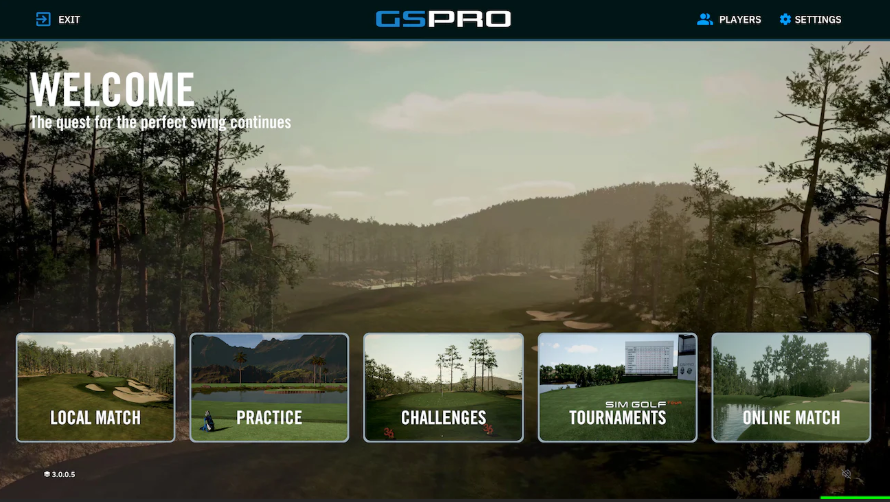
Once everything is ready you will see a screen like this on your touch screen monitor:
Select either
“Local Match” select this option if you want to play a round on a course.
“Practice” select this option if you want to practice on the driving range.
Please give it a few minutes for your game mode to load.
If you have any questions, please do not hesitate to text or call 256-658-4523 for assistance. You can also go up to the kitchen window and ask for assistance.